

01
Movies & TV
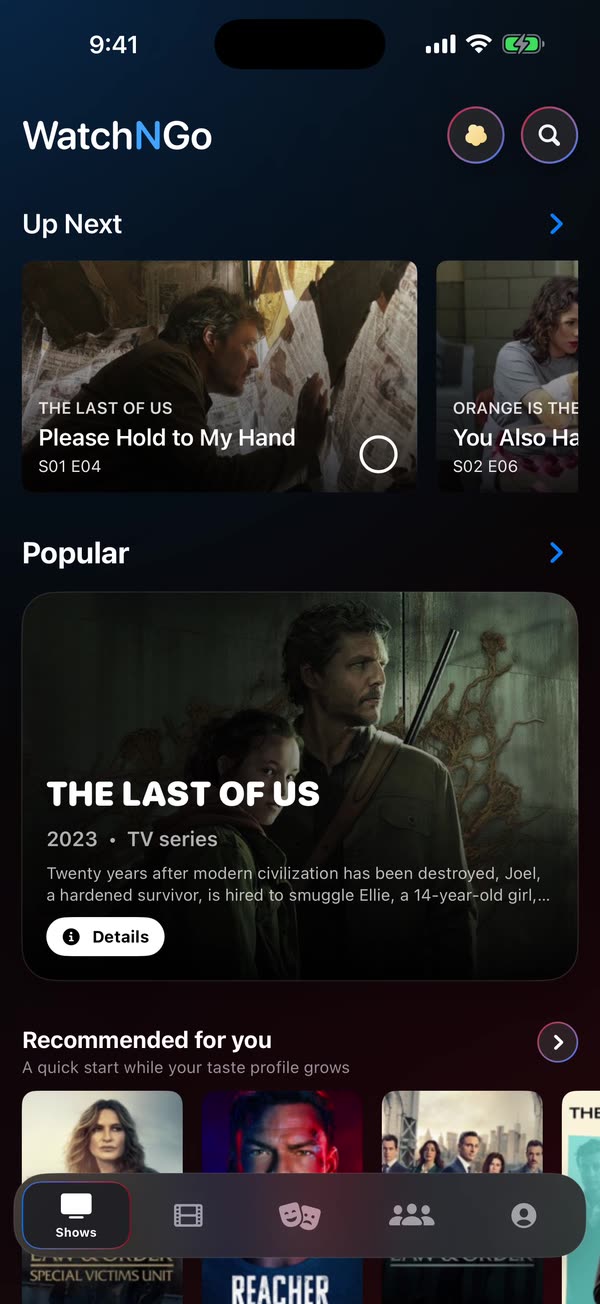
Open on a home screen built around what’s trending and what suits your taste, then dig into any movie, show, season, or episode. Every title carries its synopsis, cast, community rating, and an up-to-date list of where it’s streaming.
Everything you need to follow films and series, and nothing more.
Browse trending and recommended movies, shows, seasons, and episodes, with full details, cast, and where to watch.
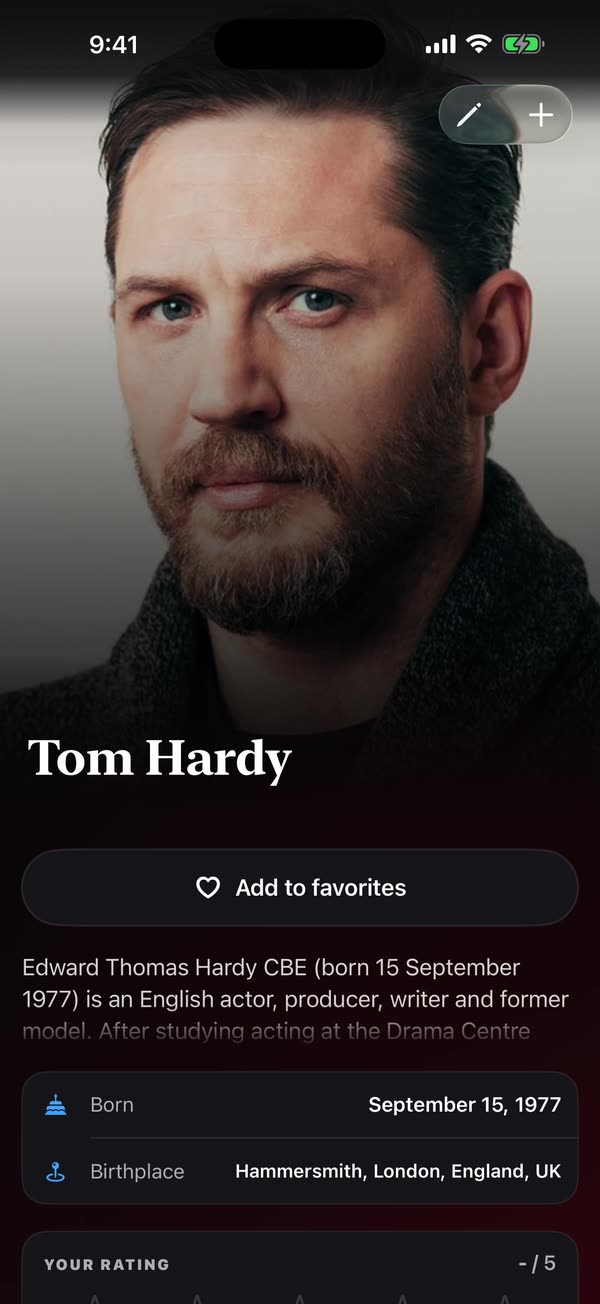
Follow your favorite actors with their full filmography, biographies, and list support.
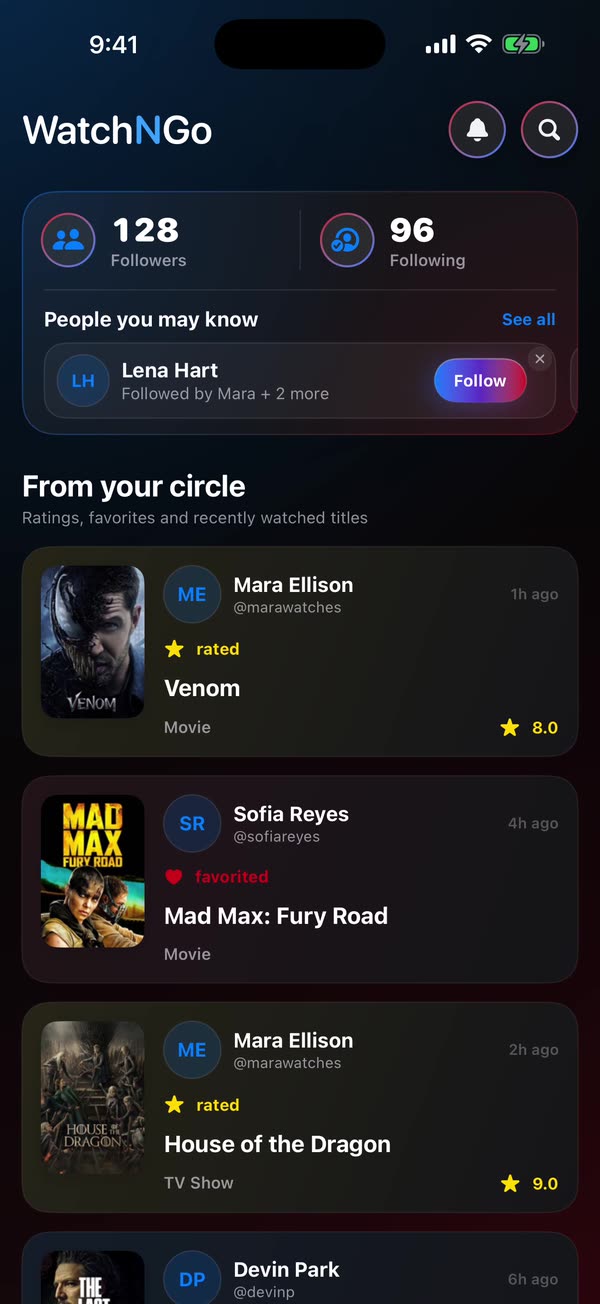
Follow friends or other viewers, comment, reply, react, and share your own collection.
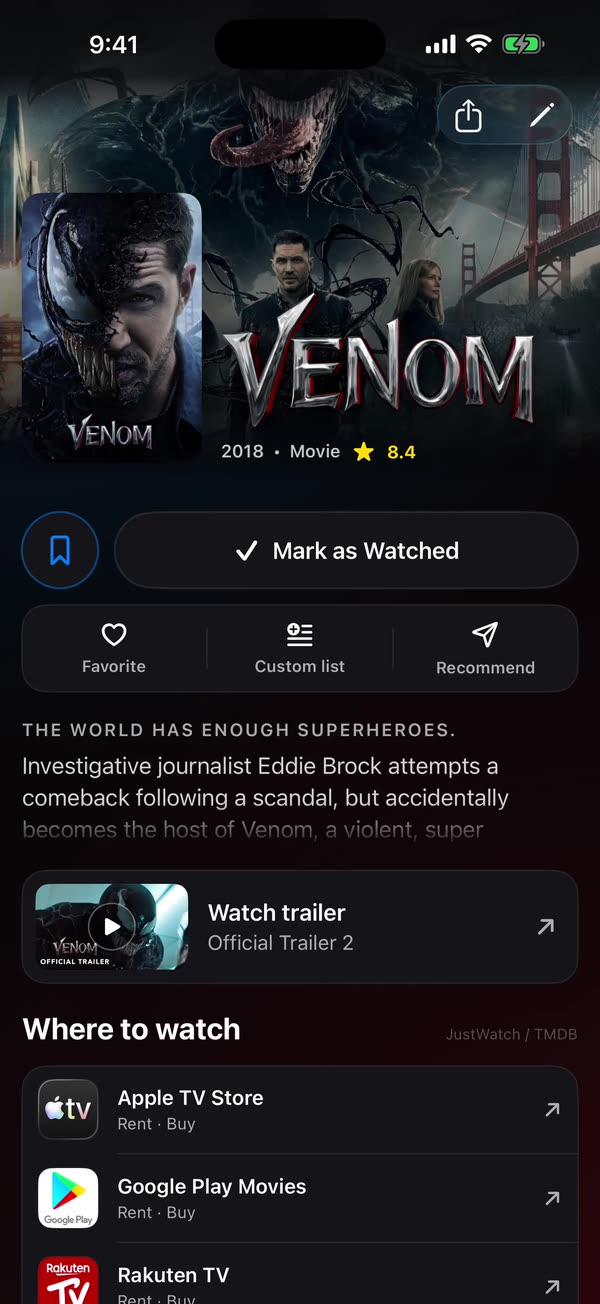
Rate movies, shows, and actors, write your own notes, make your own and shared lists, and pick the posters, covers, and images you like.
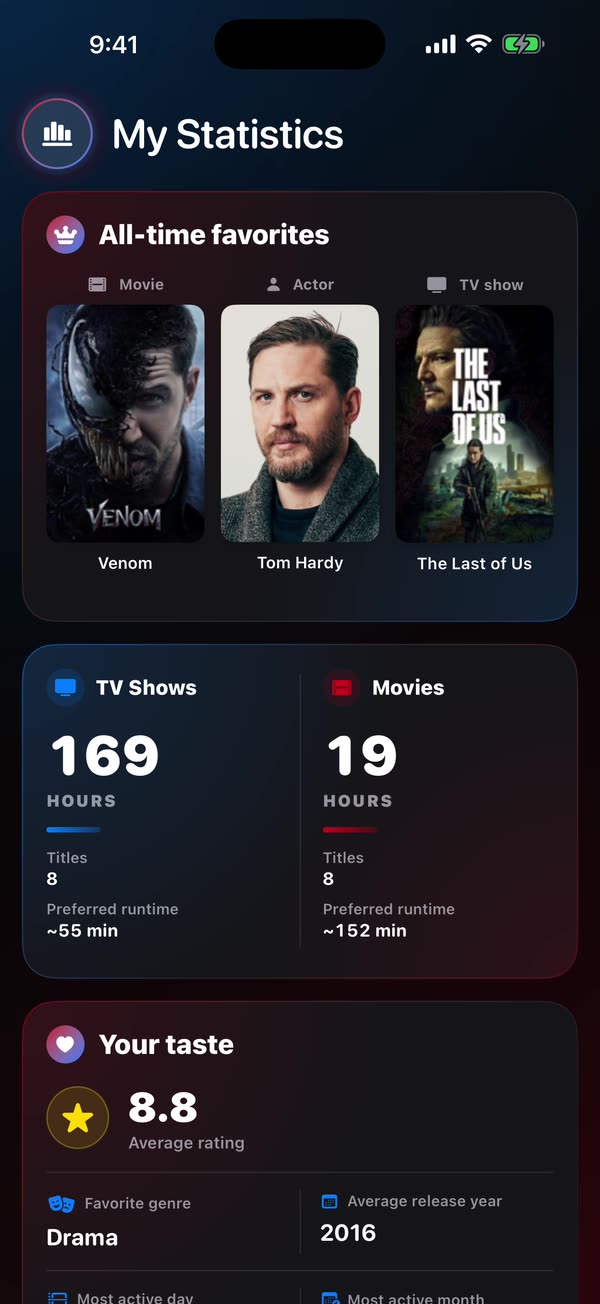
Track your own statistics, built entirely from your activity.
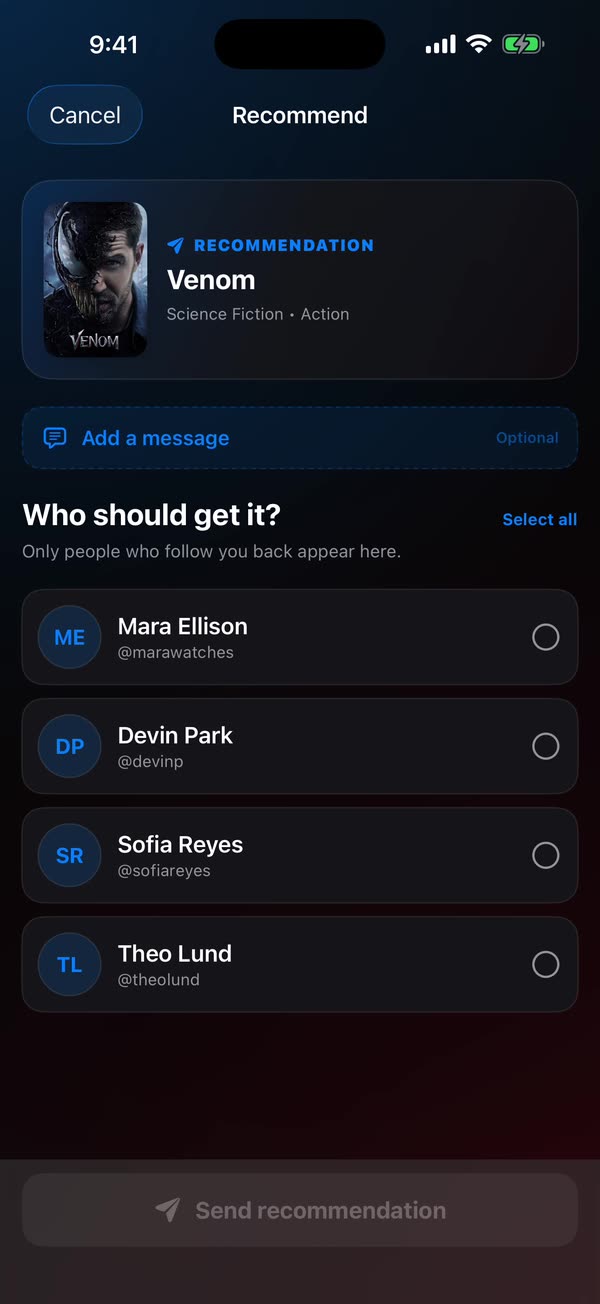
Watched something your friends need to see? Send it to them with a single tap.
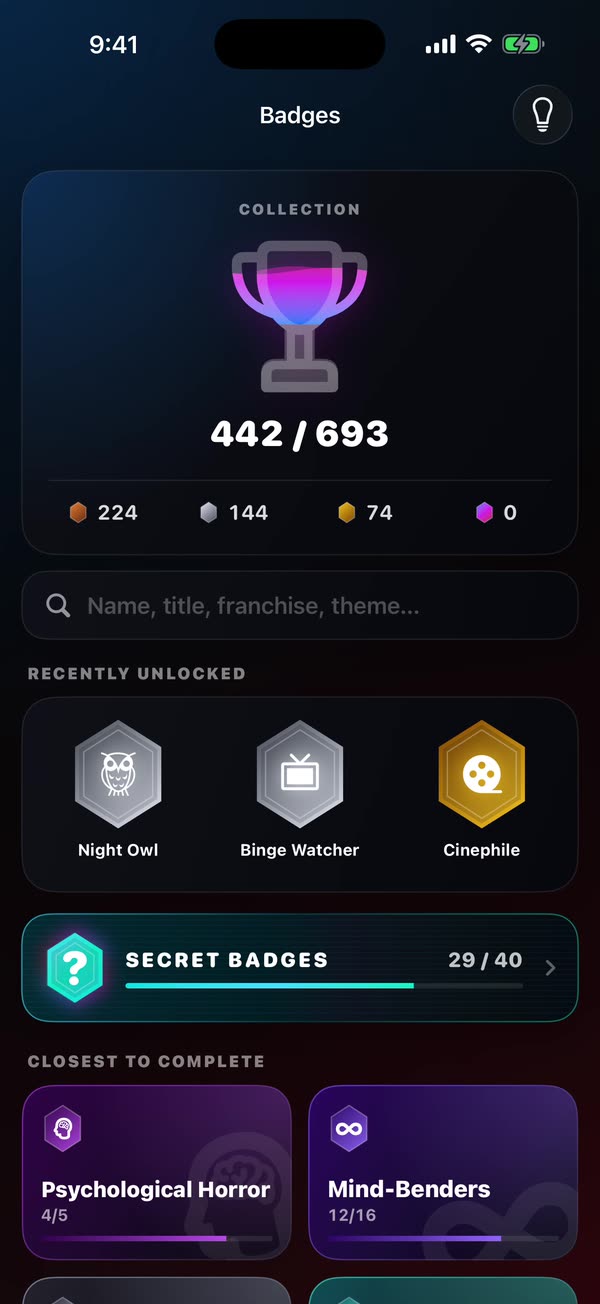
Earn badges from Bronze to Legendary, track down the secret ones, and spend your pop and nachos on rewards for your profile.
Private profiles, spoiler tags, blocking, and reporting keep you in control.
Tap a card above to jump straight to any part.
01
Open on a home screen built around what’s trending and what suits your taste, then dig into any movie, show, season, or episode. Every title carries its synopsis, cast, community rating, and an up-to-date list of where it’s streaming.
02
Follow the actors you care about and jump straight into their filmography and biography. Rate them, and collect them into lists the same way you do with titles.
03
Follow friends or other viewers, then comment, reply, and react on the titles you’re all watching. Share your collection and lists, build shared lists together, and keep the conversation spoiler-safe for everyone.
04
Rate movies, shows, and actors, keep private notes only you can see, and group anything into your own lists or shared lists you build with friends. Choose the poster, cover, and images you prefer so every title looks the way you want.
05
See a personal breakdown built entirely from your own activity: hours watched, favorite genres, the actors you return to, and how your year is shaping up. Nothing is scored against anyone else.
06
Watched something you know your friends need to see? Send it to them in a single tap, with an optional note, straight from the title.
07
Watching, tracking, and rating titles earns badges, from Bronze to Legendary, plus secret ones to hunt down. Badges pay out pop, and alongside it there’s nachos, the premium currency. Spend both in the rewards store on wires, backgrounds, mascots, and other ways to make your profile your own. Pin the badges you’re proudest of so they show up front.
Suggest a badge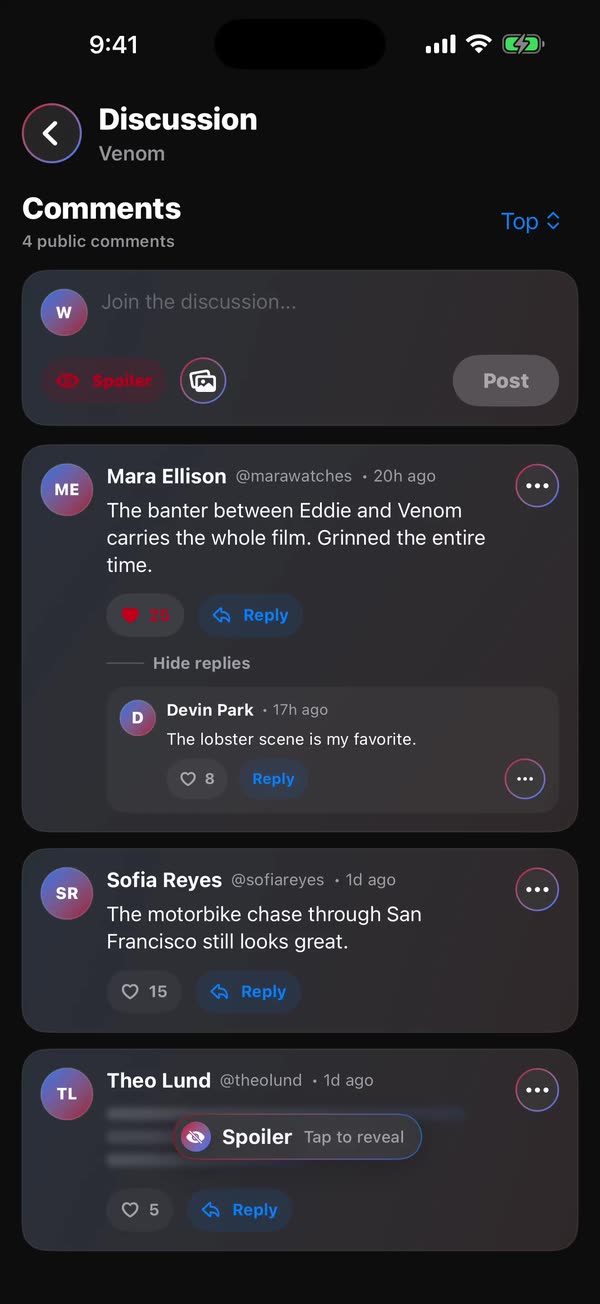
08
A private profile limits your library to followers you approve, and spoiler tags keep surprises hidden until you’re ready. Block or report anyone from the spot where it happened. You stay in control.
No. WatchNGo has no video playback and never hosts or streams video. It helps you discover and keep track of what to watch, and shows where titles are available using third-party data.
WatchNGo is free to use. There are no ads and no tracking.
Right now it’s iOS only, but an Android version is planned.
With Apple, Google, or an email address and password. An account is only needed for cloud sync and community features.
Check your spam or promotions folder too. If it isn’t there either, contact us on the Support page.
Yes. Set your profile to private to limit who sees your library, and use blocking, reporting, and spoiler tags to shape your experience. Personal notes and private backups are never public.
In the app, open Settings → Account → Delete account. See the Support page if you can’t sign in.
Titles, images, and metadata come from TMDB; streaming availability from JustWatch through TMDB; and selected ratings from OMDb.
Let us know on the Support page.
Send it to us on the Support page. We read every idea.
Use the Suggest a badge page.
Right in the app: open the menu on their profile or comment and choose Report. You can also contact us on the Support page.